macOS
Apple silicon and Intel disk images.
Apple siliconIntelUnsigned: right-click the app, then choose Open.Private data tools · Edition 01
Open a multi-gigabyte CSV, JSON, or Parquet file. Profile it, reshape it, and publish a repeatable result—without an upload or a one-off script.
Detecting your platform…
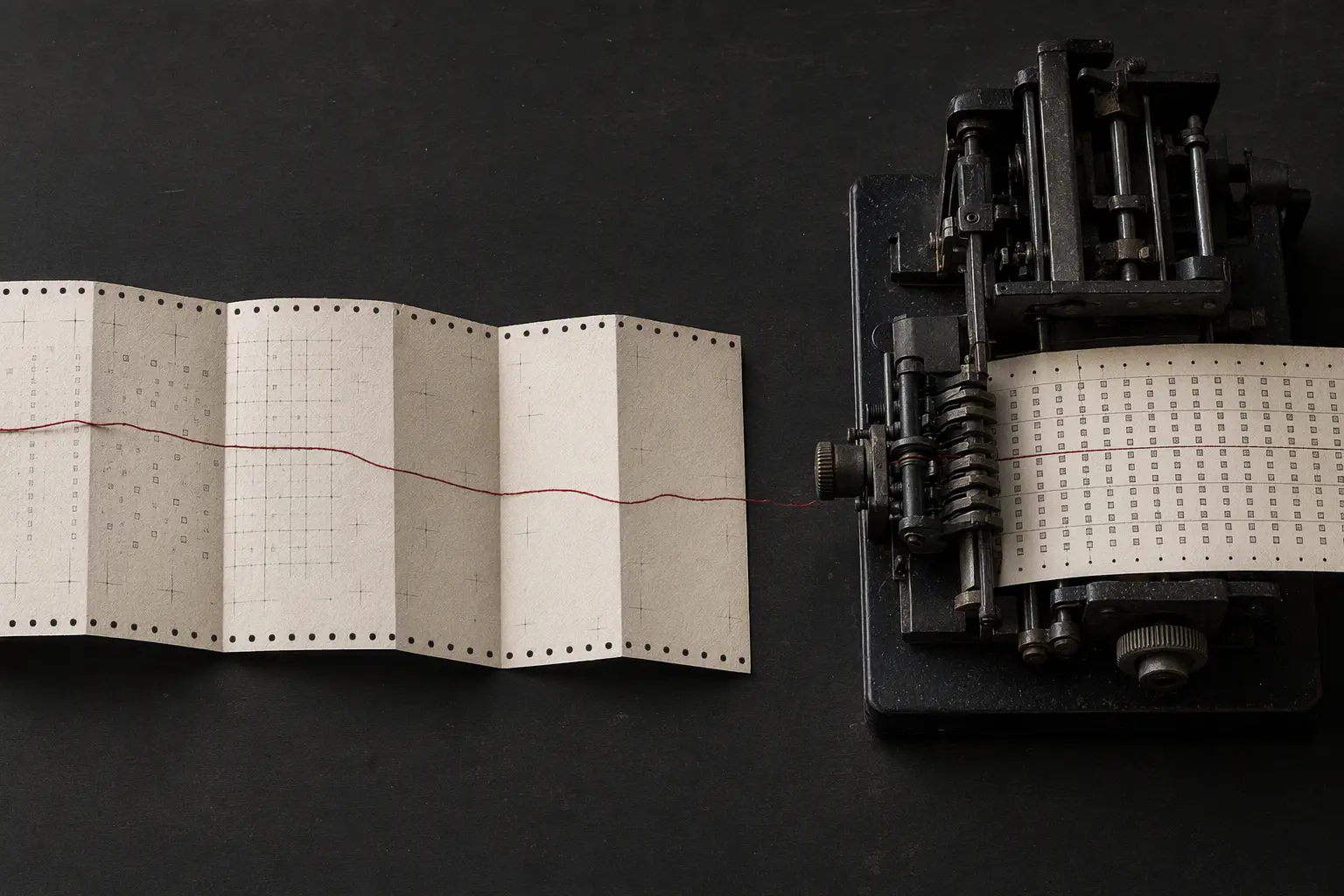
The working method
Not a spreadsheet pretending to be a database. Not a SQL editor expecting you to remember what you typed last Tuesday.
Read CSV, JSON/JSONL, and Parquet directly from disk. Only a bounded preview is held in memory.
See inferred types, missing values, distinct counts, ranges, total rows, and a source fingerprint.
Filter, clean, rename, select, and join through explicit steps that read like an editorial docket.
Save a human-readable .ldw.json recipe. Reopen it and export the full file in deterministic order.
The durable artifact
Every step has a name, inputs, and a fixed position. The portable JSON recipe carries a source fingerprint and schema version, so the transformation can be inspected outside the app and replayed without code.
{
  "schema": "recipe@1",
  "source": "orders.parquet",
  "steps": [
    { "name": "Keep shipped",
      "filter": "status = shipped" },
    { "name": "Clean region",
      "derive": "trim(region)" },
    { "name": "Add territory",
      "join": "region_code" }
  ]
}A boring privacy policy, by design
The app has no analytics SDK, account system, content logging, cloud sync, or update pings. It can do its real work offline. A license check sends the token—and never a filename or file content—to Sociobot at most once per day.
Read the plain-language privacy notice →One tool. One purchase.
The free desk can inspect, transform, save three recipes, reopen them, and export CSV. Pay once for unlimited saved recipes, joins, and JSON Lines export.
Current edition · v0.1
Unsigned preview builds are published from this public repository. Checksums are provided for every asset.
Apple silicon and Intel disk images.
Apple siliconIntelUnsigned: right-click the app, then choose Open.Windows 10/11 installer.
Download installerirm https://local-data-workbench.sociobot.in/install.ps1 | iexUnsigned preview; Windows may show a SmartScreen notice.AppImage and Debian package.
Download AppImagecurl -fsSL https://local-data-workbench.sociobot.in/install.sh | shThe installer verifies SHA-256 before placing the AppImage in ~/.local/bin.Checking the latest published checksums…
Verify a download: latest.json · SHA256SUMS
Yes. CSV and JSON Lines are scanned as streams, Parquet uses its native row iterator, and only a 100-row preview plus bounded profile counters are retained. Regular JSON arrays are capped at 256 MB; use JSON Lines for larger sources.
Your file work is fully local. If you add a paid license, the app verifies only that token with Sociobot at most once per day. The free desk never needs a network request.
The core is written in Rust and uses the Apache Arrow Parquet reader plus the Rust CSV and Serde projects. Notices and licenses ship with the app.